When a spreadsheet stops being the right tool: spreadsheet vs database
A plain-English sorting guide for the spreadsheet vs database question in a small business: what spreadsheets are genuinely good at, the specific symptoms of having outgrown one, what a database and a small internal tool change, and how a switch usually goes.
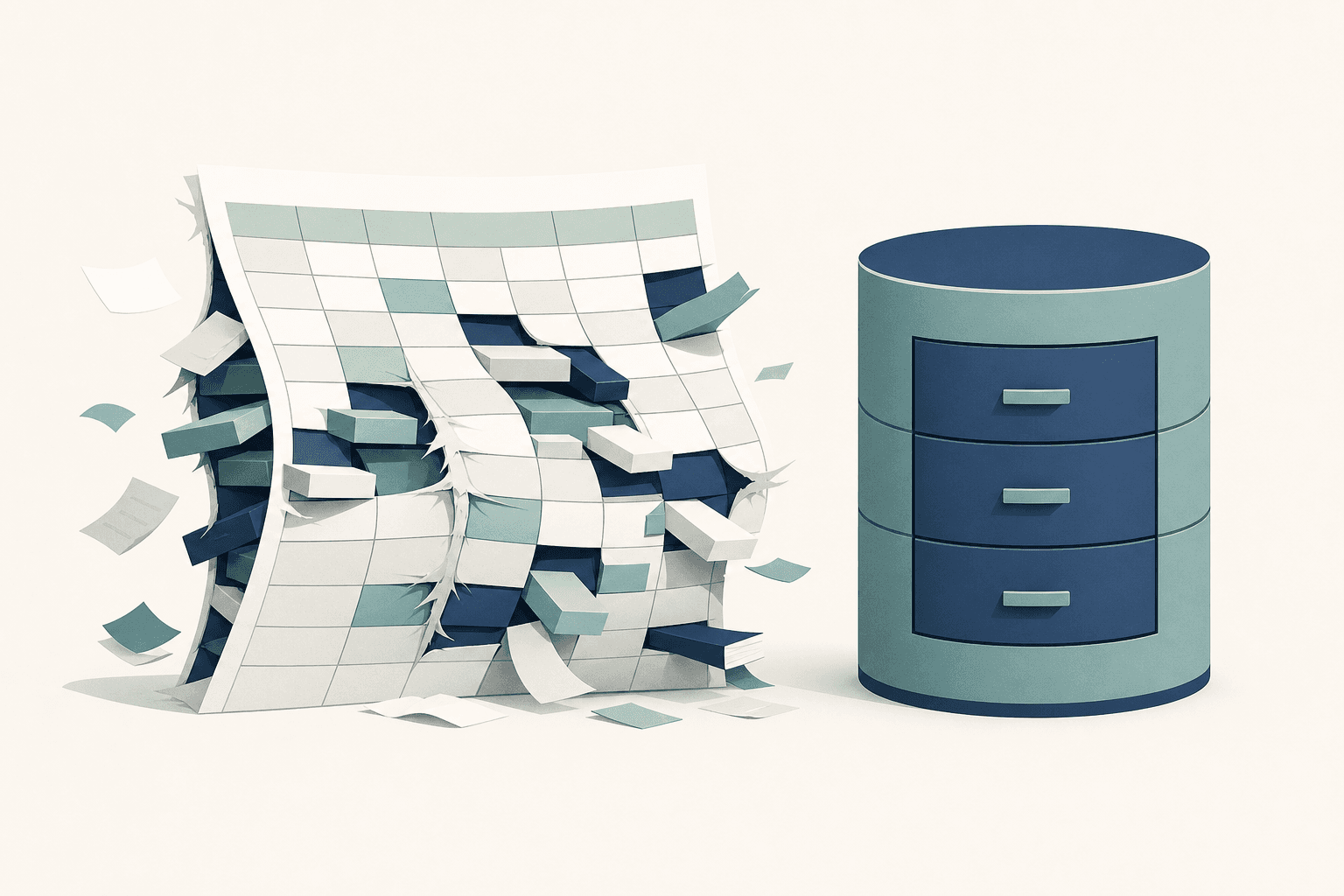
A spreadsheet stops being the right tool the moment its structure costs more than it saves: when two people cannot edit it at once, when one fact lives in four tabs, when nobody will touch the formulas. The spreadsheet vs database small business question is really about how many people, and how much history, a single file is being asked to carry.
- Row count is rarely the problem. Shared editing and duplicated facts are.
- If a customer's phone number lives in four tabs, at least one copy is usually out of date.
- A database stores each fact once and is built for several people to work at the same time, since each save touches one record rather than the whole file.
- Most businesses keep their spreadsheets and move only the one file everything else depends on.
- The usual replacement is a small internal tool with a form and a searchable list, not enterprise software.
What are spreadsheets genuinely good at?
Spreadsheets are the fastest way to start, and that is a real advantage no database can match. There is no structure to design before the first row goes in, no software to install, and no training needed for anyone who has seen a grid before. For calculation they are unbeaten: pricing scenarios, a materials takeoff, a budget, a quick model of what happens if labor costs rise. For a list that one person maintains and a few people read, a sheet can be correct for years.
None of that changes because a business grows. Plenty of profitable operations run their forecasting in a spreadsheet forever and should. The question is never whether spreadsheets are good. It is whether this particular sheet is still doing the job it was built for.
How do you know you have outgrown your spreadsheet?
The clearest sign is that people have started working around the file instead of in it. A few specific symptoms:
- Someone has to ask who has it open, or two versions get reconciled by hand later.
- Answering one routine question takes copy-paste between five tabs.
- The same fact, an address or a rate or a status, is stored in several places, and updating it means remembering all of them.
- There are formulas nobody dares touch, often written by a person who no longer works there.
- Rules live in a notes column and are enforced only by memory.
- Nobody can say who changed a number, or when, or why.
- The file is the business. If it were deleted or corrupted on a Friday, work would stop.
One or two of these is normal wear. Four or five means the sheet has quietly become the system of record for something that has stages, dates, and history, which is the work a database was designed for.
What actually changes when the data moves into a database?
The data stops being duplicated and the rules stop being optional. A database keeps related lists in separate tables that point at each other: customers in one, jobs in another, each job pointing back at a single customer. Change a phone number once and every job attached to that customer is correct. On top of that sits the part people actually see, usually a form to add something and a list to find it again. Internal tools at this scale are small on purpose.
| Situation | Spreadsheet | Database with a small tool on top |
|---|---|---|
| Two people updating at once | Cloud sheets allow it; a file on a shared drive gets overwritten or duplicated | Ordinary, since each save touches one record |
| The same fact in several places | Updated by hand everywhere it appears | Stored once, read everywhere |
| A rule like "every job needs a date" | A note in a column, enforced by habit | Enforced when the record is saved |
| Who changed what, and when | File-level version history, hard to read | Recorded per record |
| Onboarding a new employee | They learn the sheet's quirks | They learn labeled fields on a form |
| Different access for office and crew | All or nothing, per file | Per person, per screen |
| A quick what-if calculation | Excellent | Awkward, so export to a sheet |
That last row matters. Databases are worse at improvised math, which is exactly why most businesses end up keeping both.
Does every messy spreadsheet need to be replaced?
No. Many sheets need maintenance rather than replacement, and the cheap fixes are worth trying first. Move the file to a cloud version so simultaneous editing stops creating copies. Separate the data entry sheet from the calculation sheet. Enforce one row per thing, with no merged cells and no second header buried halfway down. Put a simple form in front of it so entries arrive in the right shape.
What those changes cannot fix is structural. A spreadsheet has no way to say that this row belongs to that row, and no way to stop someone from typing over a cell that matters. When the file tracks something that moves through stages over weeks or months, that limit keeps biting. The companion piece on replacing a spreadsheet with an internal tool covers what the replacement looks like in practice, and a back office build log follows the same shift for a working contractor.
What does switching actually involve?
Start with one workflow, not the whole business. The usual sequence: name the things being tracked, import the rows that already exist, build the two or three screens people use daily, then run the tool and the sheet side by side until nobody opens the sheet. Existing rows usually import, so most of the data does not need retyping.
Two details save trouble later. Keep an export button so the data can still land in a spreadsheet when someone wants to slice it, and write down what the untouchable formulas were doing before they get rewritten, because a few of them usually encode decisions that exist nowhere else. Work like this sits under automation and data rather than a website project, though the two often end up in the same system.
Common questions
Is Excel a database?
Not in the sense that matters here. Excel can hold data arranged like a database, but an ordinary worksheet does not enforce relationships between tables the way a database does, and it does not offer permissions at the record level. Microsoft Access sits closer to a real database, and tools like Airtable occupy the middle ground.
How many rows are too many?
There is no row count that settles it. Excel allows over a million rows per sheet and slows down well before that ceiling, but the trouble usually starts much earlier and for different reasons. A 300 row sheet with four editors and duplicated customer records is a bigger problem than a 50,000 row export nobody edits.
Can spreadsheets still be used after switching?
Yes, and most people do. A well-built internal tool exports to CSV, so any analysis that was easier in a grid stays easier in a grid. The difference is that the export becomes a copy taken at a moment in time, while the database stays the one place the current answer lives.
What about Airtable, Notion, or similar tools?
They are a legitimate middle step and often the right one. They add structure, links between records, and shared editing without a build. Limits tend to show up with complicated rules, fine-grained permissions, heavy volume, or connections to other systems, and features and pricing vary by vendor, so check current terms before committing. Plenty of businesses run there for years and never need more.
Where should the process start?
With the one file everything else depends on. Write down the questions asked of it every week and mark which ones require copy-paste to answer, because those are the ones a database removes. That list doubles as the specification for whatever replaces the sheet, and it is worth writing before any tool gets chosen.
Need this kind of work for your organization?