WordPress to Next.js: when a rebuild actually pays for itself
When a WordPress to Next.js migration is worth paying for and when it is not: the honest disqualification list first, then the four conditions where a rebuild earns its cost. Covers what a migration preserves and the Payload-inside-Next.js pattern from the Rotary build.
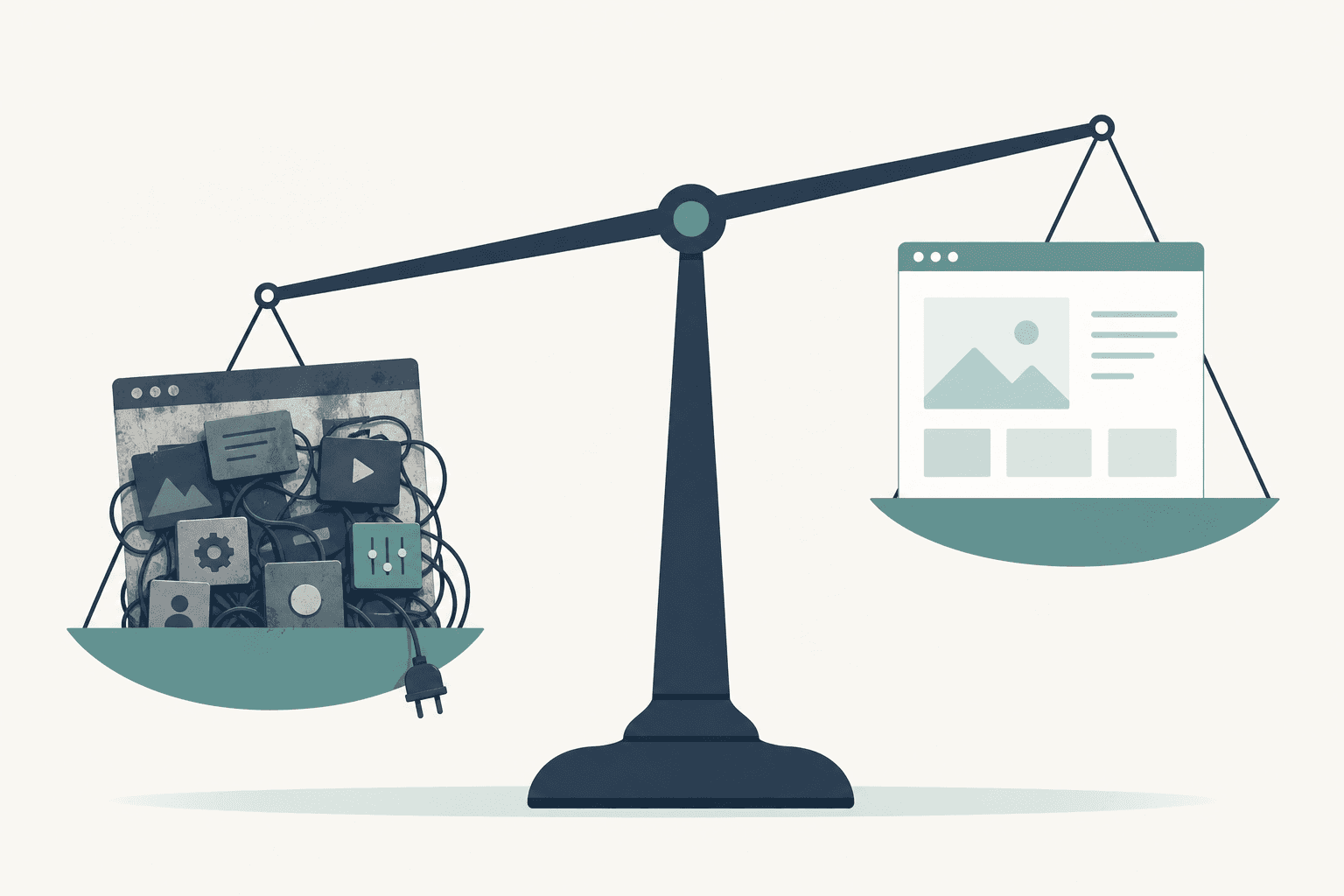
A move from WordPress to Next.js, a framework for building sites in code, pays for itself in four situations. Your plugins, the add-ons a WordPress site runs on, have been abandoned and are now a security risk. The site has to hold logins, records, or scheduling. Editing hurts enough that nobody updates the site. Pages load slowly enough to cost you calls. Outside those four, most small WordPress sites should stay where they are.
Key points
- Most small WordPress sites do not need a rebuild. If it loads fast, reads well on a phone, and your own staff can edit it, keep it.
- Liability or capability justifies a rebuild. Age alone does not, which is how I scope websites and rebuilds.
- A migration done properly keeps your URLs, your content, and the rankings attached to them.
- The editing screen decides whether the site is still accurate a year after launch.
- When the honest answer is stay put, I say so and lose the project.
When you should keep the WordPress site you have
Keep it if none of those four fits your site. I turn down more rebuilds than I take. I would rather you found yourself on this list:
- Your theme and plugins still get updates, and somebody applies them.
- Someone in your office can change hours, prices, or a phone number without calling a developer.
- The site holds pages and photos rather than records.
- It loads in a couple of seconds on a phone with two bars in a valley.
- Your work comes from referrals and repeat customers, and the site mostly confirms you are real.
If that is your site, a rebuild buys you a codebase you will never look at. Spend the money on photography, on the pages you keep meaning to write, or on the Google Business Profile probably outperforming your homepage.
Is your plugin stack a security liability?
It is a liability once plugins stop getting updates and nobody replaces them. I hit this one most.
A site gets built on a marketplace theme with twenty plugins hanging off it. Years pass. Two stop shipping updates, and one turns out to have a vulnerability. No patch is coming, because the author moved on.
The site keeps looking normal while it quietly serves pages somebody else injected. The first you hear of it is a browser warning, or a message in Search Console, Google's report on your site in search.
The fix is not always a rebuild. Sometimes you replace three plugins and update the rest. It becomes a rebuild when the abandoned ones are load bearing, meaning the site breaks without them: the page builder, the membership plugin, the form handler holding your submissions. Pulling those out is most of a rebuild anyway.
Does the site need logins, records, or scheduling behind it?
It does once the site holds records rather than paragraphs: members with accounts, bookings against real capacity, documents only some people should see, an application that keeps its state between visits.
WordPress will do all of that with one plugin per feature. Each plugin brings its own data model, settings screen, and update schedule. It works until two of them disagree about who a user is.
The Rotary Club of Downtown Lock Haven site is the version I built pro bono. The public side carries events, projects, scholarships, and contact and donation paths. The member side has a directory and event RSVPs with capacity and deadline controls, de-duplicated per member in the database so nobody registers twice.
Members-only documents are flagged in the CMS, the editing screen, and served through a download proxy, a gate that checks who you are. Minutes and bylaws never sit on a public URL.
Three roles, admin, officer, and member, decide who sees what. Members sign in with single-use magic links instead of passwords. Postgres, one database, holds all of it, with the rules in one place rather than across five plugins. The build is written up on the Rotary project page.
Is editing so painful that nobody updates the site?
If your last three content changes went through a developer, yes. Updating the site hurts, so people stop doing it. The site ends up wrong about your hours and your staff, and being wrong costs you more than the design does.
This is where the Rotary pattern matters. I ran Payload CMS 3 inside the Next.js app rather than as a separate service. It holds collections for pages, events, projects, announcements, documents, and members on a one-migration Postgres schema.
Content is edited in a rich-text editor with draft and publish versioning, so an officer can work on a page before it goes live. Over the Payload API I built a second dashboard in Refine for non-technical officers. Club officers rotate, and the interface has to survive people who never volunteered to be webmaster.
Running the CMS in the same app also means one deploy, one host, and no separate CMS server to patch.
Are slow pages actually losing you customers?
Speed justifies a rebuild only when you can point at where it costs you, so open Search Console and analytics first. If visitors arrive on a phone, wait, and leave before the page renders, that shows up. If the slow part is your quote form, that is work walking away.
A rebuilt Next.js site builds its pages on the server and ships far less JavaScript, the code a phone runs before a page appears. A page-builder layout dragging six plugin stylesheets behind it ships far more. If your site already loads quickly, this one does not apply to you.
What does a migration preserve?
Your URLs, your content, and the accounts holding your history. None of it is difficult, only tedious, and tedium is where migrations quietly get skipped.
| Item | What the migration does with it |
|---|---|
| URLs | A redirect map pairs every old address with its new one, so old links work. |
| Content | Posts, pages, and media get exported into a content model rather than retyped. |
| Rankings | Rankings attach to URLs and content. Keep both and Google has nothing to re-learn. |
| Accounts | Analytics and Search Console stay under accounts you own, connected before launch. |
| Ownership | Code, domain, hosting, and database stay in your name, so you can hire anyone next time. |
On a rebuild the migration goes first, because that is where these projects usually go wrong. There is more on sequencing on my process page.
Common questions
Will a rebuild hurt my Google rankings?
No, as long as the URLs and the content survive. Rankings attach to pages, so a migration that keeps every address working gives Google nothing to re-learn. The few that cannot be kept get redirects. The damage comes from rebuilds that change every URL and drop the old posts, so ask to see the redirect map before anyone writes code.
Can I still edit the site myself after leaving WordPress?
Yes, and that is the point of doing it properly. A Next.js site can run a CMS inside the same app. The Rotary site does that with Payload: a rich-text editor, drafts, and versioning. If your team only touches a handful of things, a small custom dashboard over that CMS beats a general-purpose admin screen.
How do I know whether my plugins are a real problem?
Check each plugin's last update date and whether it is still listed in the directory. Anything untouched for two years or delisted is a candidate. Then ask which ones your site cannot function without. Abandoned plus load bearing turns into a rebuild. Abandoned and cosmetic just gets replaced.
Is a Next.js site more expensive to run than WordPress?
Hosting is rarely the deciding factor. What moves the number is what the site has to do. A members area, payments, or records that have to stay correct move it further than another page ever will. Pricing covers how I scope that before any code gets written.
Most sites I look at do not meet any of the four, and I tell people so. The websites and rebuilds page covers what happens when one does.
Need this kind of work for your organization?