A small business backup strategy you will actually follow
A plain-English guide to the 3-2-1 backup rule for small businesses: three copies, two kinds of storage, one copy off-site. Covers why sync services spread ransomware, what to back up (files, books, customer list, website), how to test a restore, and why automation beats discipline.
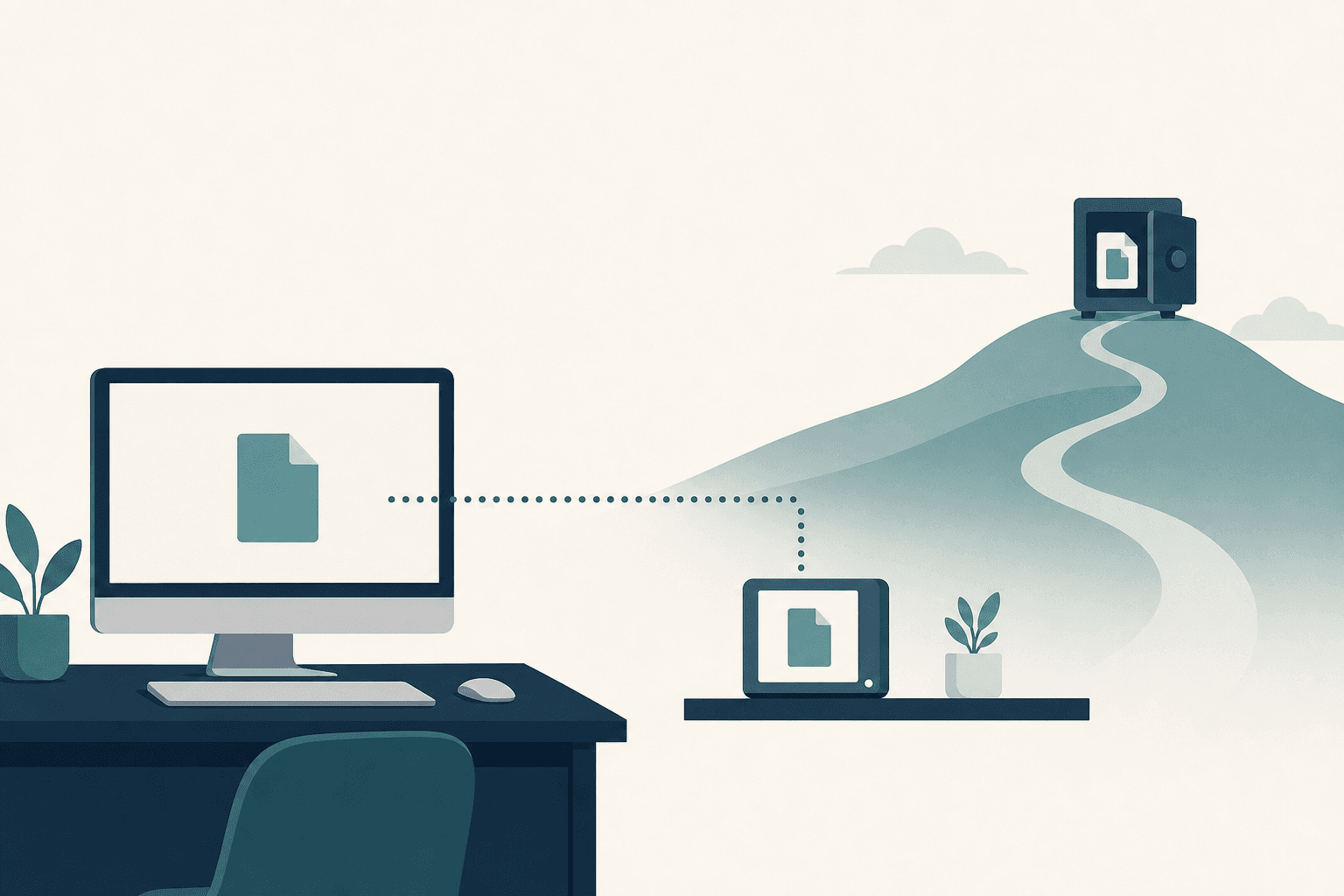
A small business backup strategy works when it runs without anyone remembering it. Keep three copies of anything you cannot rebuild, on two different kinds of storage, with one copy off-site and out of reach of whatever hits the office. Automate the copying, then prove the whole thing works by restoring a single file.
- 3-2-1 means three copies of your data, on two kinds of storage, with one copy kept off-site.
- A sync folder mirrors whatever happens to your files, including deletions and ransomware encryption.
- Version history is the feature that turns ordinary storage into a real backup.
- Most small shops need four things covered: working files, the books, the customer list, and the website.
- A backup nobody has ever restored from is only a guess.
What does 3-2-1 mean in plain words?
Three copies, two kinds of storage, one copy off-site. The three copies include the original, so the working file plus two backups gets you there. Two kinds of storage means the copies do not die together: a laptop drive and an external drive, or a computer and a cloud service, rather than two folders on the same machine. The off-site copy is the one that survives a fire, a flood, a break-in, or a surge that takes out everything plugged in at the shop.
The rule lasts because it is a checklist you can run in your head. Count the copies. Ask whether any two share a failure, then ask which one lives somewhere else. If that last answer is "the drive in the desk drawer," there is no off-site copy.
Why is a sync service not a backup?
Because sync is faithful, and that is the problem. Dropbox, Google Drive, OneDrive, and iCloud exist to make every device agree with every other device. Delete a folder on the laptop and it vanishes from the server and the office desktop within seconds. Let ransomware encrypt that folder and the encrypted files replace the good ones everywhere, because that is exactly what the service was built to do.
Most sync services keep deleted files and older versions for a limited window, commonly around a month on consumer plans, so recovery is often possible when someone catches the problem early. Check what your plan actually retains before treating it as protection, and turn on longer version history if the plan offers it.
What does each option protect against?
Different storage choices fail in different ways, which is why the rule asks for two kinds.
| Where the copy lives | Drive failure | Deleted or overwritten file | Ransomware | Fire, flood, theft |
|---|---|---|---|---|
| Second folder on the same computer | No | Yes, if you notice | No | No |
| Sync service | Yes | Usually, inside the version window | Sometimes, if caught early | Yes |
| External drive left plugged in | Yes | Yes | Often not | No |
| External drive rotated and stored elsewhere | Yes | Yes | Yes | Yes |
| Cloud backup with version history | Yes | Yes | Usually, within the retention window | Yes |
Two of those rows together cover almost any small operation: a cloud backup running quietly in the background, plus a drive that gets swapped and taken home.
What actually needs backing up in a small business?
Four things, in roughly this order of pain if they disappear.
Working files come first: quotes, contracts, signed change orders, job photos, drawings, price sheets, the proposal template that took a weekend to get right. The common mistake is backing up the documents folder while the real work sits on the desktop or a mapped network drive.
The books come second. Desktop bookkeeping means the data file belongs in the backup set. Cloud bookkeeping means the data sits on somebody else's servers, so periodically export what you would need in a dispute or an audit: the general ledger, invoice and payment history, customer and vendor lists. Export options vary by product and plan, so check yours.
The customer list is third, and it gets left out because it does not feel like a file. Names, phone numbers, addresses, and job history are usually scattered across a spreadsheet, a phone's contacts, and an email inbox. If that list is the business, it deserves a real home and a real backup, which is often the point where a shop starts replacing the spreadsheet with something structured.
The website is fourth. Hosts often keep their own backups, but retention differs and access is not always immediate, so keep an independent copy of the content, the images, and the database. A site maintained as code is already versioned in a repository, though uploaded media still needs covering. Whoever handles design and build work on the site should be able to say in one sentence where its backups live and how far back they go.
Then there are the keys: domain registrar, DNS, hosting, business email admin. Losing those can cost more time than losing the files.
How do you prove a backup actually works?
Restore one file. Pick something ordinary, like a quote from last month, pull it back from the backup into a separate folder, and open it. That test answers three questions at once: whether the file is in the backup set, whether the restore is something a normal person can complete, and whether the recovered file is intact rather than a zero-byte placeholder.
Do this in the first week, then a couple of times a year, and after any change of computer, software, or responsible person. While you are in there, check what the backup is missing. Silent partial coverage is a common way a backup fails, and it stays quiet until the day it matters.
Why does automation beat discipline?
Because a backup that depends on someone remembering will be perfectly current right up until the month it is needed. Busy weeks are when files change fastest and when nobody has time to plug in a drive. Put the software on a schedule, let cloud backup run continuously, and move the drive rotation onto a recurring calendar reminder.
Then add one alert. Most backup tools can email a success or failure notice, and a weekly email that arrives is easier to notice than one that quietly stops. The same logic drives most automation and data work: a task that runs itself and reports when it breaks beats a better process that depends on a good week.
Common questions
How often should a backup run?
Daily, for anything that changes daily. Many cloud backup tools can run continuously or hourly, so check what yours is set to. For a drive rotated by hand, weekly or monthly is realistic, and the question to ask is how much work you are willing to redo.
Is one cloud service enough?
Usually not by itself. A sync service alone leaves you exposed once the version window closes, and a single backup account means one password or one billing lapse stands between the business and its records. Pairing cloud backup with a physical copy covers both gaps.
Does the off-site copy have to be in the cloud?
No. A drive kept at home, at a family member's house, or in a safe deposit box qualifies, as long as the same fire or burglary will not reach it. The trick is rotation: two drives, one in use and one off-site, swapped on a fixed schedule so the off-site copy never goes stale.
Should backups be encrypted?
Yes for anything that leaves the building or lives online, especially when it holds customer addresses, payment details, or employee records. Reputable backup services encrypt data in transit and at rest, and portable drives can be encrypted with built-in tools on macOS and on the Pro editions of Windows, with third-party tools covering the rest. Store the recovery key somewhere separate from the drive.
What about phones and tablets?
Back them up if work lives on them. Job photos taken on a phone are business records, and they often exist in exactly one place until someone thinks to move them. Turning on the phone's built-in cloud backup and setting photos to upload automatically covers most of it, though the same version-history caution applies.
Need this kind of work for your organization?